

Arrow brushes are among the most versatile tools in a designer’s toolkit, perfect for creating flow charts, infographics, website elements, and decorative accents. These carefully curated Photoshop arrow brushes range from sleek minimalist styles to grungy hand-drawn variations, giving you endless possibilities to direct attention and enhance visual storytelling in your projects.
Whether you need precise technical arrows, playful doodles, or urban graffiti-inspired markers, this collection has something for every design need. All brushes are free to download and easy to use with Photoshop’s brush tool – simply load them and start creating dynamic compositions with professional results.
Arrows and Lines Brush Set
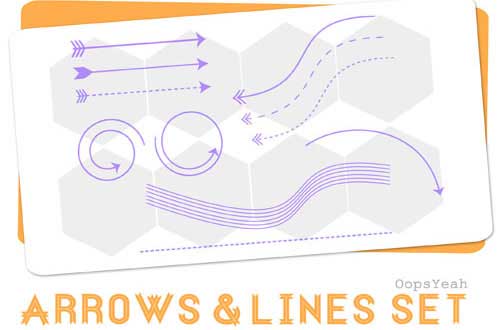
Comprehensive set featuring 50+ arrow variations including straight, curved, and decorative line arrows. Perfect for diagrams and technical illustrations.
Arrows Brushes
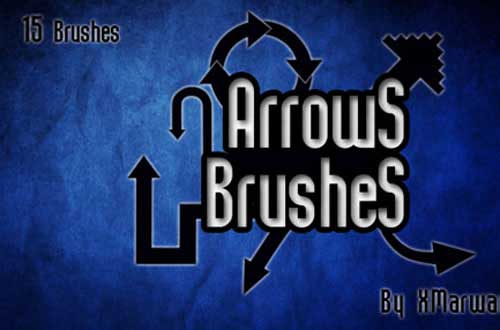
Clean, minimalist arrow collection with 15 high-resolution brushes. Ideal for web design and user interface elements.
13 Arrow Brush Pack

Diverse set including directional, circular, and specialty arrows with smooth vector-like quality.
Broken Arrow Brushes
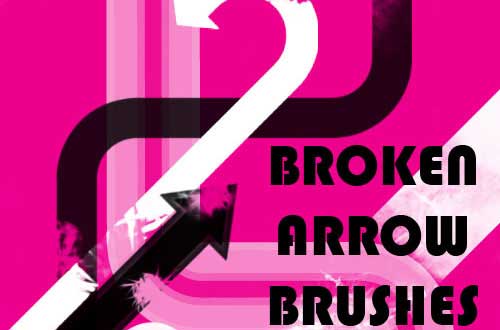
Unique distressed arrow set with cracked and fragmented designs for grunge and urban styles.
Grungy Arrow Brushes Set
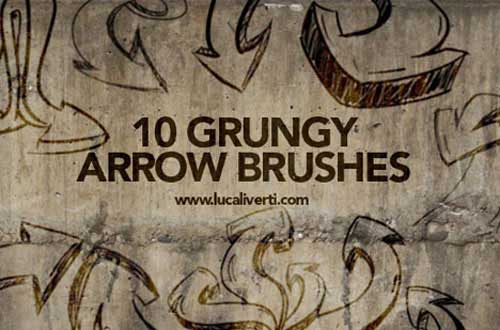
Textured arrows with ink bleed and rough edges, great for posters and edgy designs.
Grungy Hand Drawn Arrow Brushes
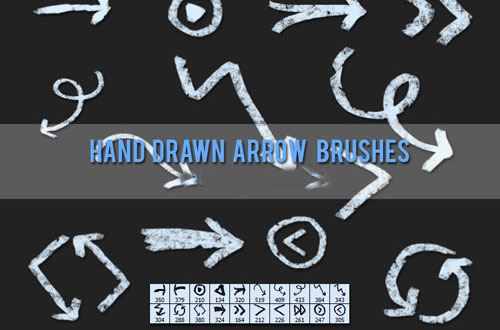
Organic-looking arrows with sketchy imperfections for authentic hand-drawn aesthetics.
Urban Arrow Brushes

Street-inspired arrows with bold outlines and urban graffiti elements.
Arrow Brushes
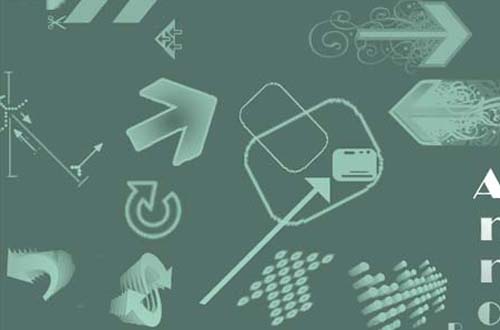
Stylish collection featuring 15 decorative arrows with elegant tapered ends.
Sketchy Arrow Brushes
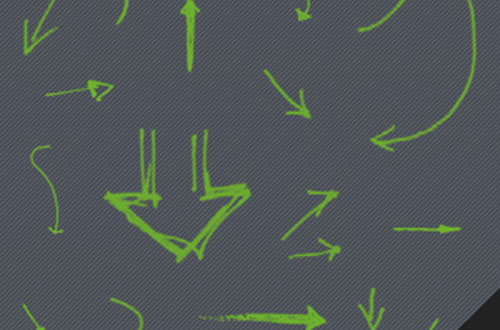
Pencil-sketch arrows with natural line variation for casual, notebook-style designs.
Traffic Arrows
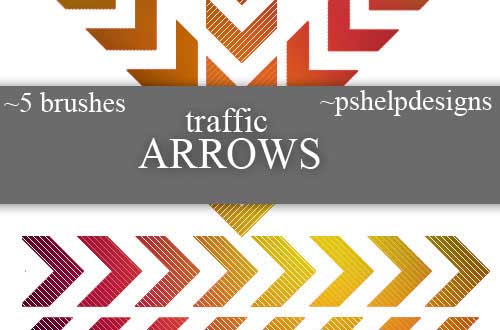
Bold directional arrows inspired by road signs and traffic markings.
Arrow Brushes
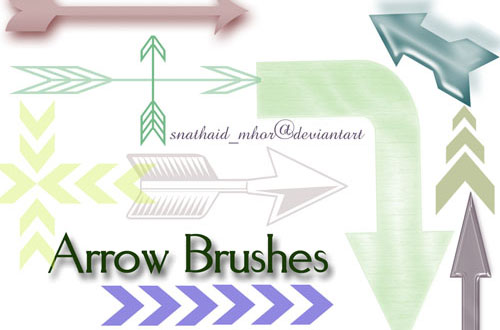
Clean, no-frills arrow set with 10 essential styles for everyday design needs.
Vector Arrow Brush Set

Crisp, scalable arrows with perfect curves and points for professional presentations.
Ultimate Arrows Brush Set
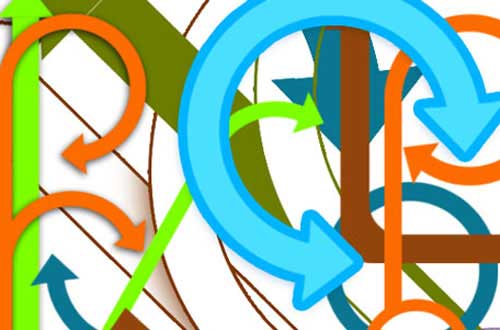
Massive collection with over 100 arrow variations covering every possible style.
40+ Hand Drawn “Arrow” Photoshop Brushes

Organic arrow set featuring natural ink strokes and marker-style variations.
Arrow Doodle Brushes
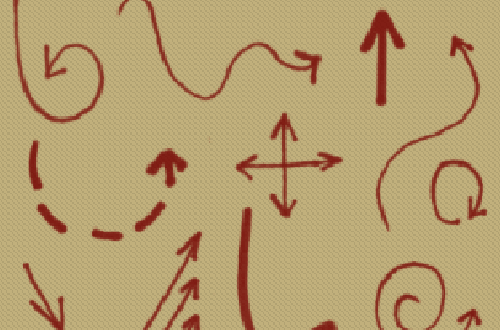
Playful cartoon arrows with whimsical curves and exaggerated proportions.
Graffiti Arrow Brush Pack
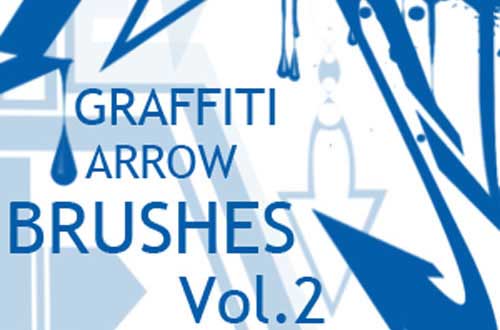
Urban street art arrows with spray paint textures and bold outlines.
3D-ish Arrow Brushes
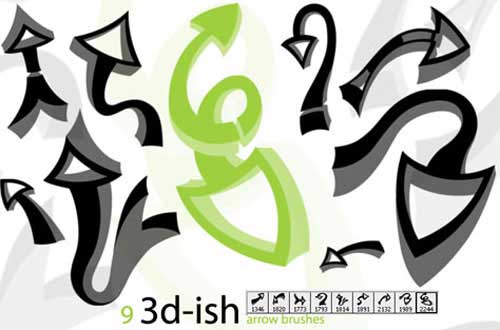
Arrows with dimensional shading that pop off the page with faux-3D effects.
Hand Drawn Arrows
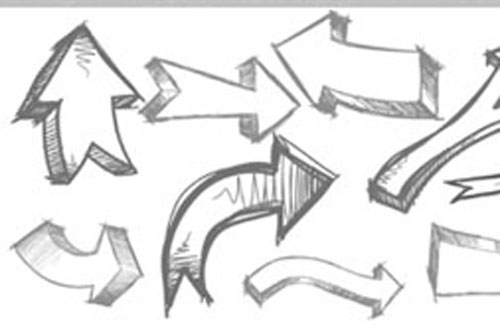
Authentic hand-inked arrows with natural line variation and subtle imperfections.
Conclusion
Photoshop arrow brushes are more than just directional markers – they’re powerful design elements that can guide viewers’ attention, create visual flow, and add stylistic flair to any project. This collection offers everything from technical precision arrows to expressive hand-drawn styles, ensuring you’ll find the perfect brushes for your specific needs. Remember to experiment with brush settings like opacity, scattering, and color dynamics to create unique variations of these arrow brushes.
All brushes featured are free for personal and commercial use (check individual licenses). To install, simply download the .ABR files and load them through Photoshop’s Brush Preset panel. Happy designing!